
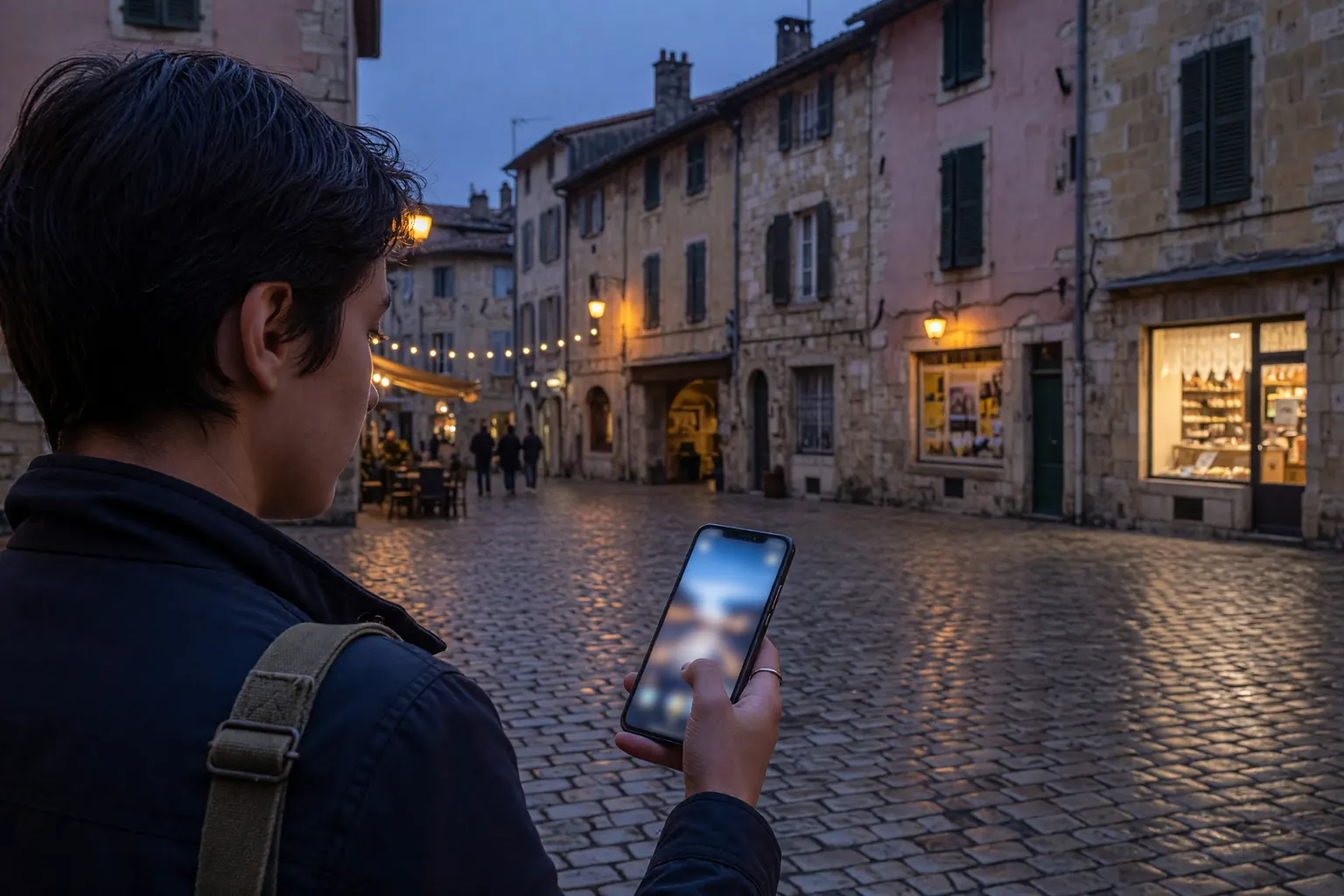
It is nine in the evening in an unfamiliar district. The café on the corner is full, the nearest metro station is a twelve-minute walk through backstreets, and you need a toilet now. What decides how this goes is not luck. It is whether you can see, right now, which nearby options are open, which are closed for cleaning, and which one will let you in without buying anything.
That information lives on your phone, and it needs mobile data. Which is where a lot of visitors quietly lose money, because the switch that solves the problem is the same switch that runs up a roaming bill. This guide covers both halves: what European city toilets actually cost and when they are open, and how to keep a data connection you can use without watching a meter.
Prices and opening hours change, and city councils revise them more often than travel articles get updated. Treat the figures below as typical rather than current, and check locally when it matters.
Why European city toilets catch visitors out
Anyone who grew up where a petrol station or a shopping mall has a door that opens for everyone tends to arrive in a European capital expecting the same. Three things get in the way.
Price. Pay toilets are ordinary here, not exotic. A single visit typically costs around one euro, sometimes in coins, increasingly by contactless card only.
Time. Free does not mean always. Self-cleaning street units commonly run from early morning to late evening, then shut for a deep clean.
Status. Free often means “for customers.” A café will let you use the facilities if you have bought something. If you have not, many will politely decline.
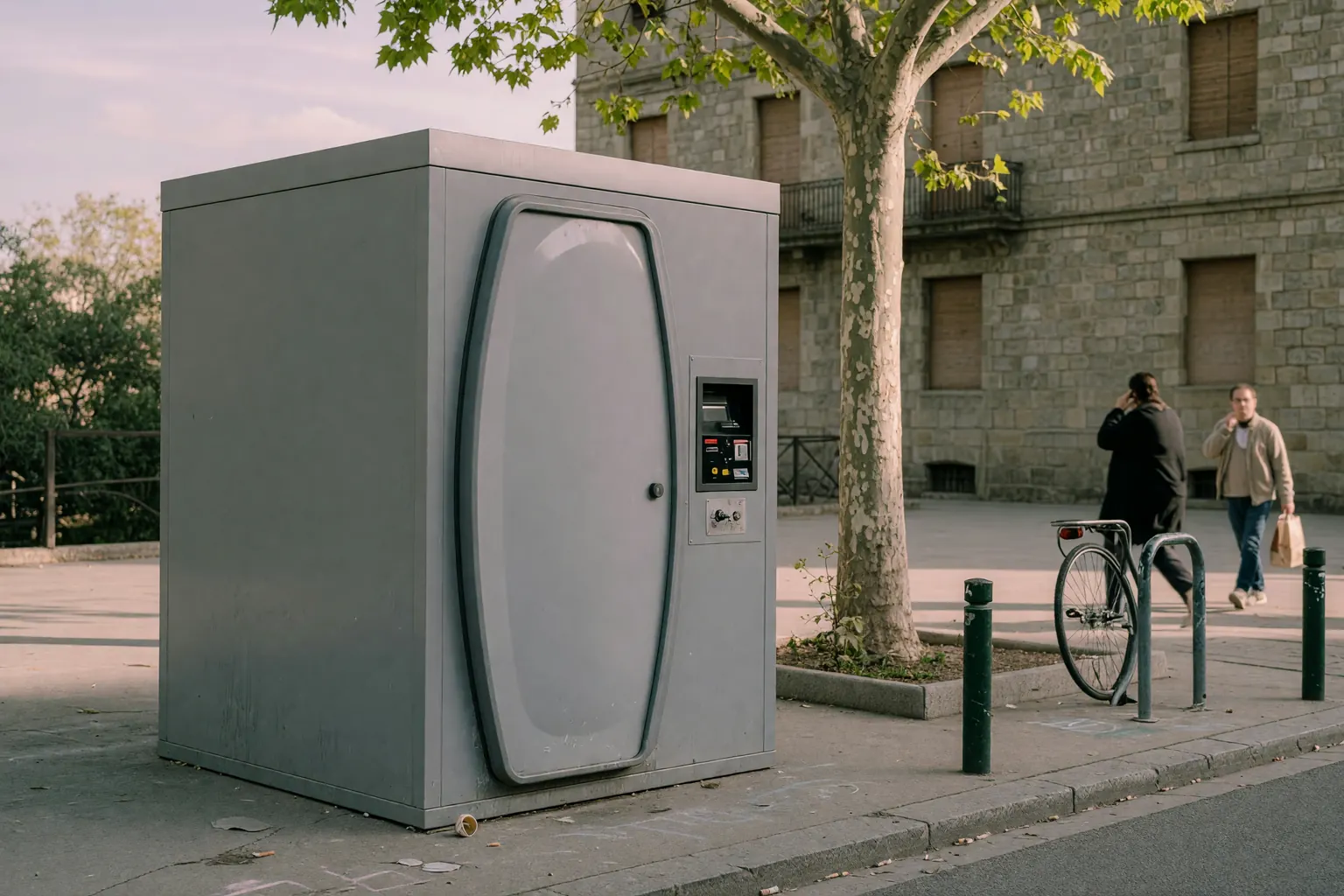
Paris is the genuine exception rather than the proof of the rule. The city has kept around 400 free, self-cleaning street units, called sanisettes, since 2006, and completed a modernisation to 435 new-generation units by spring 2025. Most run from 6 a.m. to 10 p.m., and about 150 on main roads stay open around the clock. They are automatic, they end a session after roughly fifteen minutes, and on busy evenings they queue.
| City | Typical cost | Worth knowing |
|---|---|---|
| Paris | Free | Around 400 self-cleaning sanisettes; most 6 a.m. to 10 p.m., about 150 open 24 hours; sessions are time-limited |
| Rome | About €1 | P.Stop booths charge about €1 and are free for Roma Pass holders; station toilets are similar |
| Amsterdam | About €1 | Station toilets are run by an operator rather than the railway; some return part of the fee as a voucher for shops in the station |
| Barcelona | About €1 | Almost no free street toilets; pay-to-use sites charge about a euro, and the council has approved 150 new accessible units |
| London | Mostly free | Underground station toilets no longer take coins; some attended toilets in the City of London still charge about £1 |
Two patterns come out of that table. Where a city has decided public toilets are infrastructure, as Paris did, they are free and findable. Where a city has left them to operators, access becomes a small transaction. And none of those transactions can be settled until you know which door is open, which brings the problem back to your phone.
How much data a day of city walking actually uses
You do not need offline maps for a continent. You need live answers for the next forty minutes.
These are typical magnitudes rather than precise measurements, and they vary with image quality, autoplay settings and how often the map redraws:
- Looking up somewhere nearby: a few megabytes.
- Turn-by-turn navigation while walking: roughly 40 to 80 MB an hour.
- Uploading a couple of photos with a caption: 15 to 30 MB.
- Scrolling social media between sights: 30 to 150 MB an hour, mostly depending on autoplaying video.
- Messaging and voice notes: a couple of megabytes a minute.
A light day of maps, messages and a few photos lands somewhere around 200 to 500 MB. A day with real navigation and some posting is closer to a gigabyte. Our data-need calculator turns habits into a number for a trip of any length.
Toilet-finding apps such as Flush, Toilet Finder and SitOrSquat list large numbers of locations, and Google Maps surfaces public toilets wherever users have marked them. They are useful. They also run entirely on user-submitted data, so an entry can be wrong, out of date, or describing a unit that broke this morning. Nothing in that category reports live availability, which is why the connection matters more than the choice of app.
What your phone does the moment it lands

Your phone does not wait to be asked. As soon as it sees a foreign network it registers, and if data roaming is switched on it starts using it. Background app refresh, push notifications, mail fetches, system updates and cloud photo sync all keep running while the screen is dark. None of it is visible until the statement arrives.
On a home SIM with roaming enabled and no travel add-on, the fallback rate is per megabyte rather than per gigabyte. One US carrier publishes a rate of $2.05 per MB for customers who have not bought its travel pass. At that rate, an hour of ordinary background activity in the 5 to 15 MB range costs somewhere between $10 and $30 before you open a single app yourself, and one automatic photo upload of a couple of hundred megabytes runs into the hundreds. Rates vary widely by carrier and destination, so the only number that matters is your own carrier’s. We covered the mechanism in Roaming Bill Shock 2026.
The awkward part is that the cheapest way to solve the toilet problem, turning on data, is the same action that makes it expensive. That only holds while you are paying per megabyte for something you cannot meter in your head on a street corner.
Five ways the bill actually happens
None of these involve doing anything unusual. They are the ordinary mechanics of a phone in a foreign city.
- Paying for something by card while roaming. Opening a banking app to authorise a payment is a few hundred kilobytes. The problem is that unlocking the phone often wakes everything else, including a photo library that has been waiting for a connection.
- A cleaning shutdown at the wrong moment. A free unit closes for its cleaning cycle, you go looking for the next one, and the search itself is a navigation session you had not planned.
- Switching networks in motion. On a boat, a train or a bridge, a phone hops between operators, and an upload that had stalled on Wi-Fi finally completes on cellular. The charge looks unconnected to anything you did.
- Fear of the meter. Some travellers respond by keeping data off entirely, then miss messages that actually mattered. Avoiding a small charge this way regularly costs more than the charge would have.
- Crossing an invisible price border. A day trip out of the EU zone can move you onto a completely different tariff without any signal that it has happened.
The common thread is that none of them is a decision you consciously made. They are all consequences of pricing you cannot see while you are standing in the street.
A connection you do not have to think about
A prepaid travel eSIM turns a usage fee into a purchase. You choose an allowance, you know the total before you pay, and the connection cannot cost more than that. There is no per-megabyte number hanging over the next time you open a map.
That changes behaviour more than any advice does. Instead of weighing whether opening Maps is worth it, you stop asking. The accounting moves from the street corner back to the planning stage, where you have time to think about it.
Most plans arrive within minutes as a QR code by email. On Easy Travel Data, plans start from $3.99 across 190+ destinations, and an order is refunded automatically if the eSIM is not ready within an hour. For Europe specifically, our 2026 Europe guide covers which regional passes work where.
The setup that makes it safe is dual-SIM discipline:
- Keep your home line on for calls and texts.
- Point Cellular Data at the travel eSIM, and turn off Allow Cellular Data Switching so the phone cannot fall back to the expensive line.
- Install the profile before you fly. Installing is not activating; most plans only start counting days from first use on the destination network.
- On Android the path is equivalent, under the SIM manager in network settings.
Full steps for iPhone are in our dual-SIM guide.
Where the roaming rules change inside Europe
Europe is not one price block.
If you hold an EU or EEA plan, Roam Like At Home applies inside the EU and EEA and runs to June 2032. The regulated wholesale cap sits at €1.10 per gigabyte in 2026 and falls to €1.00 from 2027. Some cheaper home plans still carry fair-use limits, but inside the bloc you are broadly protected from per-megabyte surprises.
Outside it, that protection stops at the border. The United Kingdom, Switzerland, Norway and much of the Balkans are all outside the scheme or treated separately by individual operators. UK networks reintroduced European roaming charges after Brexit, typically as a daily fee, and some older tariffs still bill per megabyte. Visitors to Europe on a US, Canadian or Australian SIM never had the protection in the first place.
Travel eSIMs sold by different suppliers each have their own coverage list, validity window and terms, so a plan that works in France will not automatically work the same way in London or Zurich. Check the coverage list on the product page rather than the banner.
FAQ
Are public toilets in Europe really hard to find?
In most major capitals outside Paris, yes. Many cities reduced free street units over the past two decades to cut cleaning and vandalism costs, and what remains often charges, closes overnight, or is reserved for customers. Paris is the clear exception, with around 400 free self-cleaning units spread across the city. Plan on paying about a euro in Rome, Amsterdam or Barcelona, and check opening hours rather than assuming a unit is available at night.
Do I really need mobile data just to find a toilet?
Not for that alone, but finding one reliably means checking current opening hours and recent reports, and none of that works offline. A cached map shows you where a toilet was marked last year. It will not tell you that one is out of order this morning or that a café changed its policy at four in the afternoon. That is the difference between a two-minute walk and a twenty-minute one.
Can I rely on café and museum Wi-Fi instead?
Wi-Fi is where you stop; the problem happens between stops. Hotels, restaurants and museums cover the moments when you are already somewhere. The gap is the walk across a district, which is also exactly where roaming charges accumulate quietly. Wi-Fi is fine for planning and poor for anything urgent.
Will my home number start costing money the moment I land?
It can, depending on your carrier and whether data roaming is on. Background app refresh, mail fetch and cloud photo sync keep running with the screen off, and most people notice only when the statement arrives. The fix is to move data behind a prepaid ceiling before you fly, and to leave data roaming off on the home line once you have.
Is a travel eSIM worth it for a short city break?
For a single day, the saving on its own is small. For anything longer, or any trip with children, tight connections or a lot of navigation, it is straightforward: you replace a series of small decisions made under pressure with one decision made at home. Whether that is worth the price of a lunch is the real question, and for most people on a multi-day trip it is.
Conclusion: decide it before you leave
The euro you spend on a toilet in Rome is a known price. The one that catches people out is the connection charge they find weeks later on a statement, incurred while looking for that toilet.
A travel eSIM does not change European sanitation policy, and it does nothing where there is no coverage. What it does is settle the connectivity question before you leave, at a price you can see, so that opening a map in an unfamiliar district is not a decision with an unknown cost attached.
Before you buy, confirm
- The plan covers every country on your route, including stopovers outside the EU and EEA zone;
- You know whether the allowance counts down from purchase or from first use at the destination;
- Your home number stays reachable for verification codes, flight updates and bank alerts;
- You have tested the dual-SIM setup at home: calls on the home line, data on the eSIM, data switching off;
- You have checked the product page for current price, validity and hotspot rules.
Soft next step
Compare regional and single-country options on the Europe category or the full catalogue, then set the phone up at home using the iPhone dual-SIM guide. Plan details change, so treat the live listing on each product page as the source of truth before you buy.