
Across our own catalog, 1,564 of 1,588 live eSIM plans (98.5%) carry zero call minutes, and 1,578 (99.4%) carry no SMS at all. That is normal, not a defect: data is what a trip actually needs for maps, messaging apps and a hotspot. The gap only shows up in a narrower set of moments, a bank texting a one-time code, a rideshare driver trying to reach you, a hotel confirming a late check-in, and most of those moments need voice or SMS far less often than travelers assume.
This guide checks whether that gap actually matters for banking OTP codes, WhatsApp, ride-hailing apps and hotel bookings, and lays out the fixes travelers actually use when it does. It also covers the handful of plans on Easy Travel Data that include a phone number, and what buying one actually gets you. Plan details change, so treat the live listing on each product page as the source of truth before you buy. For device setup itself, see How to Install a Travel eSIM Before Your Flight or browse the full catalog.

What “Data-Only” Actually Cuts Off
Every product in our catalog is tagged for three capabilities: data, calls and SMS. Pulling those tags across all 1,589 published plans gives a clean picture of how rare voice and text actually are on a travel eSIM.
| Capability | Plans that include it | Share of catalog |
|---|---|---|
| Data | 1,588 of 1,589 | 99.9% |
| Calls | 24 of 1,589 | 1.5% |
| SMS | 10 of 1,589 | 0.6% |
(The one plan without data is a phone-number-replacement service, not a data eSIM, so it is excluded from the rest of this article.)
Those 24 calls-capable plans exist on exactly five destinations: the United States, the United Kingdom, pan-EU roaming out of France, Montenegro and Serbia. Every one of them works the same way: the carrier assigns you a brand-new local phone number in that country and lets you use its bundled minutes and texts inside that market. None of them let you keep, forward or receive messages on your existing home number. A plan that says “USA 10 GB 100 Minutes” gives you a US (+1) number for use in the US, not a way to make your UK bank see your UK number again. That distinction matters for everything that follows.
The Four Moments a Phone Number Still Matters
Almost everything a traveler does works fine over data alone. The friction is concentrated in four specific situations:
- A one-time code sent by SMS, usually from a bank, a broker or a government portal, to the number already on file for your account.
- Signing up for a new app (WhatsApp, Signal, a local ride-hailing app) that verifies identity with a text or call at the moment you create the account, not afterward.
- Someone trying to call or text the number stored on a hotel reservation or delivery order, rather than messaging you inside an app.
- People who simply dial your regular number, expecting normal cell service rather than a data connection.
The next four sections go through each one with what actually happens, since the answer is different in every case.
Does Banking OTP Really Require SMS?
Usually not exclusively, but the account setup screen often defaults to SMS anyway. Chase’s private banking two-step verification lets you “receive a one-time code by phone, email or text message,” not SMS alone. PayPal’s two-step verification setup includes “Use an authenticator app (like Google Authenticator and Microsoft Authenticator)” as an option alongside text codes. Under the EU’s PSD2 strong customer authentication rules, SMS is one accepted “possession factor,” not a mandated one, so European banks commonly offer app-based codes too.
The practical trap is doing this after you land rather than before. A January 2026 Rick Steves Travel Forum thread has a traveler asking exactly this question about a data-only eSIM in Southern Europe. One reply, from a poster using the handle “Yarramar,” explained that a data-only eSIM “will usually only give you a data connection from a local provider,” so receiving an MFA text on your home number needs either Wi-Fi Calling enabled internationally or your original SIM still active. Another poster, “travelerguy,” suggested the cleaner fix: “switch the various accounts to doing 2FA via email, if possible. The second eSIM for data will make email work.” A third traveler, “Brio,” reported using a $5 local text plan alongside a data eSIM specifically to keep receiving codes. All three answers point the same direction: decide how each account will verify you before you leave, because if SMS is the only method configured and your home SIM is out of the phone, you cannot receive the confirmation text needed to change that setting either.
WhatsApp, Signal and iMessage Work Fine on Data Alone
WhatsApp’s own help center is direct about it: registering requires an active phone number that “must be able to receive phone calls and SMS,” verified once at signup. After that one-time check, the account runs over any internet connection, Wi-Fi or a travel eSIM’s data, with no ongoing SMS needed. Signal works the same way: support documentation confirms the number “must be able to receive an insecure SMS or phone call” to register, and the app then operates entirely over data. iMessage and FaceTime sidestep the phone-number question altogether since they run on your Apple ID.
The same one-time pattern shows up outside messaging apps. A traveler on the TripAdvisor Vietnam forum asked how to use Grab with a data-only SIM; the answer was that Grab needs a local number for the SMS verification at signup, and after that, the app runs on data with the driver contacted through the app itself. If you already have WhatsApp or Signal set up on your regular number before you fly, none of this matters. It only becomes a decision point if you are setting up a new account from scratch while already on a data-only eSIM abroad.
Do Ride-Hailing Apps and Hotels Actually Call Your Phone?
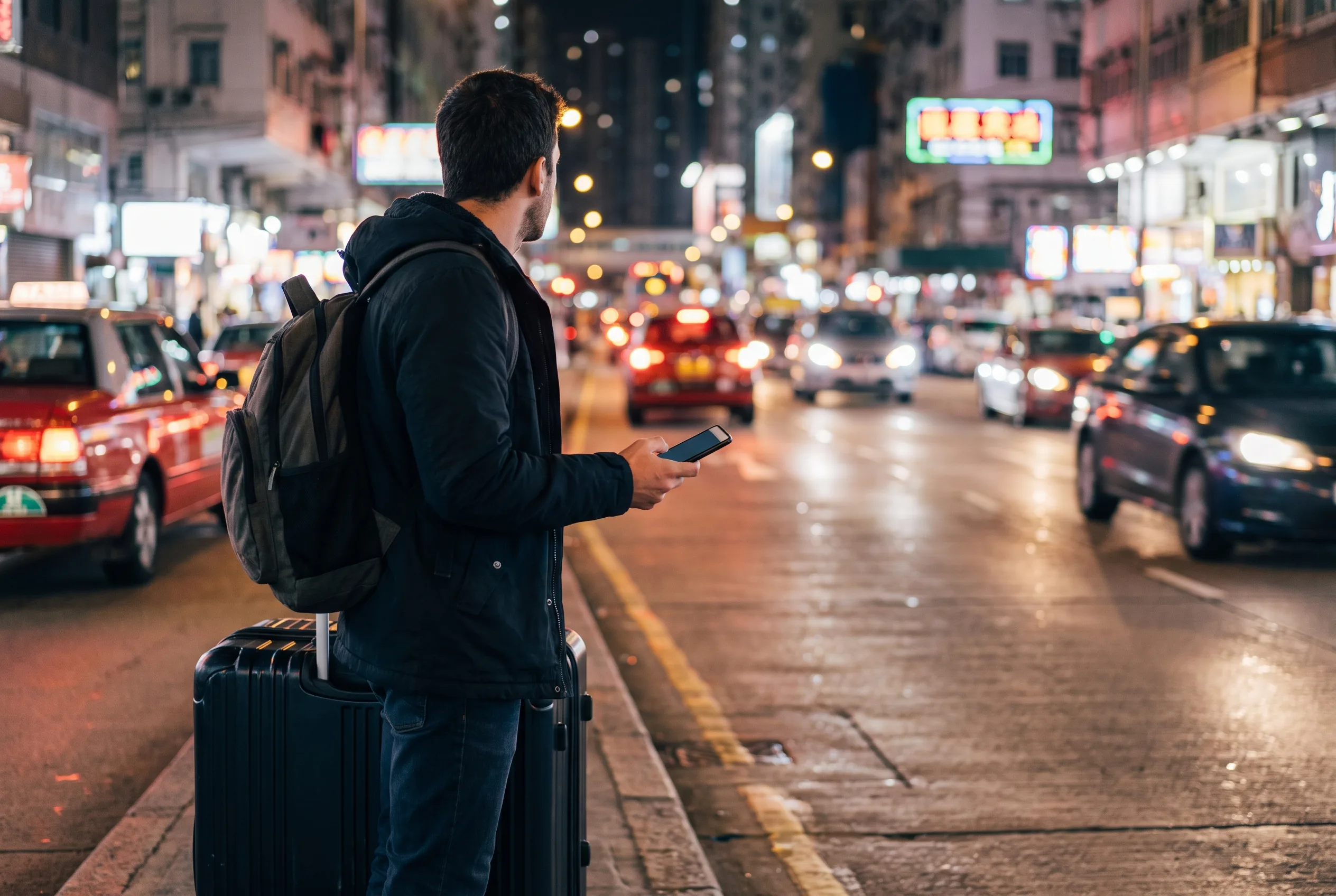
Mostly, they message you inside the app instead. Uber’s help center describes driver-rider contact as running through “anonymized local phone numbers generated inside the app,” with calls and messages delivered over your data connection rather than requiring your stored number to be a live SIM. Booking.com’s official guidance for hosts says properties contact guests “primarily via Extranet messaging and the Partner/Pulse app,” which is data-based, not a phone call to the number on the booking. Airbnb goes further in the US and Canada with temporary anonymized numbers for host-guest contact, but outside those two countries, Airbnb states plainly that such reservations “will not support temporary phone numbers” and communication happens through Airbnb Messenger instead, again running on data.
The one genuine exception is hotels contacting you directly outside those major platforms. A widely upvoted Travel Stack Exchange answer notes that many hotels and rental agencies still call or text the number on a reservation to confirm arrival details or a late check-in, and a number that goes straight to a foreign carrier’s failure tone is a real (if occasional) problem. If a property has asked for your phone number and you expect a call, that is the one case worth a backup plan.
Three Ways to Keep a Number Reachable
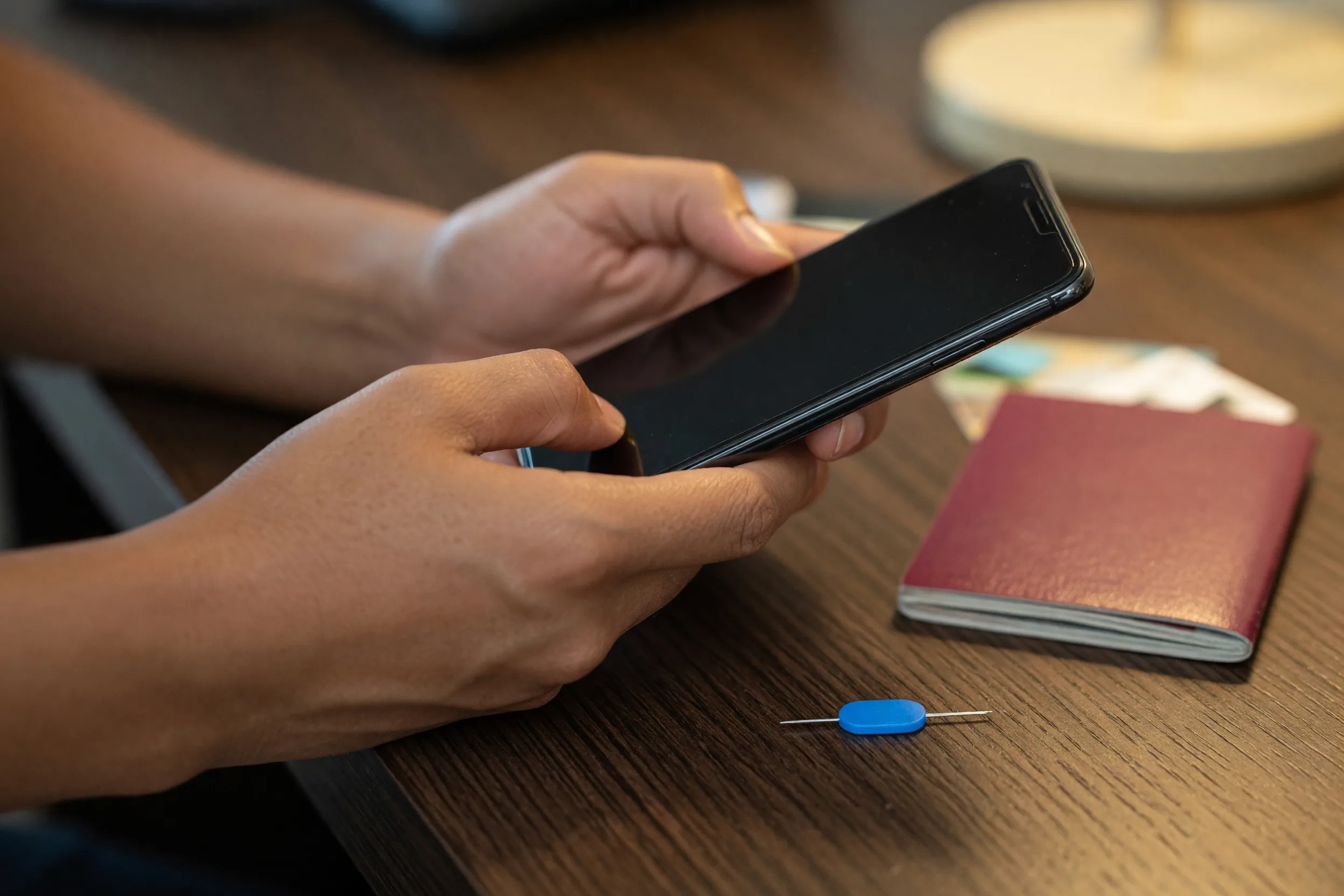
For travelers who do need a working fallback, three approaches show up repeatedly in real trip reports:
| Option | How it works | Best for |
|---|---|---|
| Dual-SIM + Wi-Fi Calling | Keep your home physical SIM in the phone, set it as the default voice line, and assign cellular data to the travel eSIM. Enable Wi-Fi Calling on the home line so calls and texts route over Wi-Fi with no roaming charge. | Anyone with a dual-SIM phone who wants zero setup changes to their accounts. |
| Move critical accounts to an authenticator app | Before you fly, switch banking, email and any account you rely on from SMS 2FA to an app-based code (or enable email codes as a backup). | Single-SIM phones, or travelers who plan to remove their home SIM entirely. |
| Buy an eSIM that includes a number | A small number of destinations sell a data-plus-voice-plus-SMS bundle with a local number for that country. | Travelers who need to make or receive local calls inside the destination, not just receive a code from home. |
The dual-SIM route is already covered step by step in Using a Travel eSIM on iPhone: Keep Your Home Number, including exactly which iOS settings assign voice to one line and data to the other. The authenticator-app move takes about ten minutes per account and is worth doing at home on stable Wi-Fi, not from an airport lounge.
The Few Plans That Do Include Calls and SMS
If you need real local calling rather than a fallback for home-country codes, five destinations on Easy Travel Data currently sell that:
| Destination | Example plan | Number you get | Notes |
|---|---|---|---|
| USA | USA 1 GB 10 Minutes, from $6.49 | New US (+1) number | Minutes cover receiving calls and domestic US calls only; larger tiers and top-ups available. |
| UK | UK 1 GB 20 Minutes, from $5.99 | New UK number | Receiving calls is free; minutes cover UK domestic calls; larger tiers and top-ups available. |
| EU roaming | EU 60 GB Unlimited Calls, from $51.99 | New French (+33) number | Unlimited calls and SMS within the EU on a France-based line. |
| Montenegro | Montenegro 500 GB 500 Minutes | New Montenegro (+382) number | Local calls and SMS only; identity verification (eKYC) required after purchase. |
| Serbia | Serbia 500 GB with Calls | New Serbia (+381) number | Outgoing calls to other local numbers only; no outgoing SMS; eKYC required. |
The pattern to notice: every one of these gives you a new local number valid inside that country. None of them forward your existing number or solve “I need my home bank to keep texting my usual number.” They solve a different problem, being reachable by a local landlord, tour operator or ride-hailing driver who wants to call a domestic number. If your actual concern is banking OTP or app signup on your existing accounts, the dual-SIM or authenticator-app route in the previous section is the one that applies.
So, Is a Data-Only eSIM Enough for Your Trip?
For most trips, yes. If your phone supports a second line and you leave your home SIM installed as the default for calls and texts, a plain data-only eSIM handles everything else with no changes needed anywhere.
The two situations worth ten minutes of prep before you fly: a single-SIM phone (or a plan to remove the home SIM entirely) means you should move banking and any critical account away from SMS-only 2FA first, since you cannot receive the confirmation text needed to change that setting once you have no way to get texts. And if you specifically need to make or receive calls inside your destination, not just receive a code from home, check whether that destination is one of the five above rather than assuming any data plan will cover it. For everything in between, our full guide on eSIM vs Physical SIM vs International Roaming covers the cost side of keeping two lines active.
FAQ
Will a data-only eSIM stop WhatsApp or Signal from working?
No, not after you have set them up. Both apps verify your number once at registration with an SMS or call, then run entirely over data (Wi-Fi or your eSIM) afterward. The only friction is creating a brand-new account from scratch while already abroad on data-only, since that one-time verification step still needs a reachable number.
Can I still get Uber or Grab driver calls on a data-only eSIM?
Mostly yes. Uber routes driver-rider contact through anonymized numbers delivered over your data connection, and Grab, like most ride-hailing apps, needs a local number only at signup and then runs on data. The in-app chat and notifications work the same on a data-only line as on any other connection.
What if my bank only offers SMS for one-time codes?
Set up the fallback before you fly, not after. Most major banks, including Chase and PayPal in the sources checked for this guide, offer a voice call, email code or authenticator app as an alternative to SMS, but you usually need SMS access once to change that setting in the first place. Do it at home on Wi-Fi with your regular SIM still in.
Do any Easy Travel Data plans come with a phone number?
Yes, on five destinations: USA, UK, EU roaming, Montenegro and Serbia. Each assigns a new local number for that country rather than forwarding your existing one, so they solve local calling, not home-account verification. See the table above for current examples, and confirm details on the product page before buying.
Is Google Voice a reliable fallback for bank codes while traveling?
Not for this specific purpose. Google’s own support documentation states that “some websites, such as banks or subscription services, won’t send text messages to Google Voice numbers,” and recommends using your regular mobile carrier number instead. Community reports also describe Google Voice accounts being flagged when used from outside the US. Treat it as unreliable for OTP delivery specifically, even where it works for other messaging.
Conclusion: Data-Only Works Until One of Four Moments Hits
A data-only eSIM is the right default for almost every trip: it is what 98.5% of the plans in our own catalog are built as, and messaging apps, ride-hailing and hotel bookings run fine on data alone once you are past the one-time signup step. The exceptions are narrow and predictable: a bank still configured for SMS-only codes, a brand-new app account you are creating for the first time abroad, or a hotel that insists on calling a working number. Handle those before you fly, not after, and a plain data plan covers everything else.
Before you buy, confirm
- Your phone can run two lines (dual-SIM or eSIM plus physical SIM) if you want to keep your home number reachable.
- Any account still using SMS-only 2FA has been switched to an authenticator app, email code or voice call before departure.
- WhatsApp, Signal or any new app account you might need is already set up on your regular number, not created fresh abroad.
- If you need real local calling in your destination, you have checked whether that country is one of the five with a voice-and-SMS plan.
- The product page for your chosen plan confirms current pricing, validity and whether calls or SMS are included.
Soft next step
Browse the full range of destinations in the catalog, including plain data plans for the United States and United Kingdom. Plan details change, so treat the live listing on each product page as the source of truth before you buy, and reach out through our contact page if a plan’s calling or SMS features are not clear.