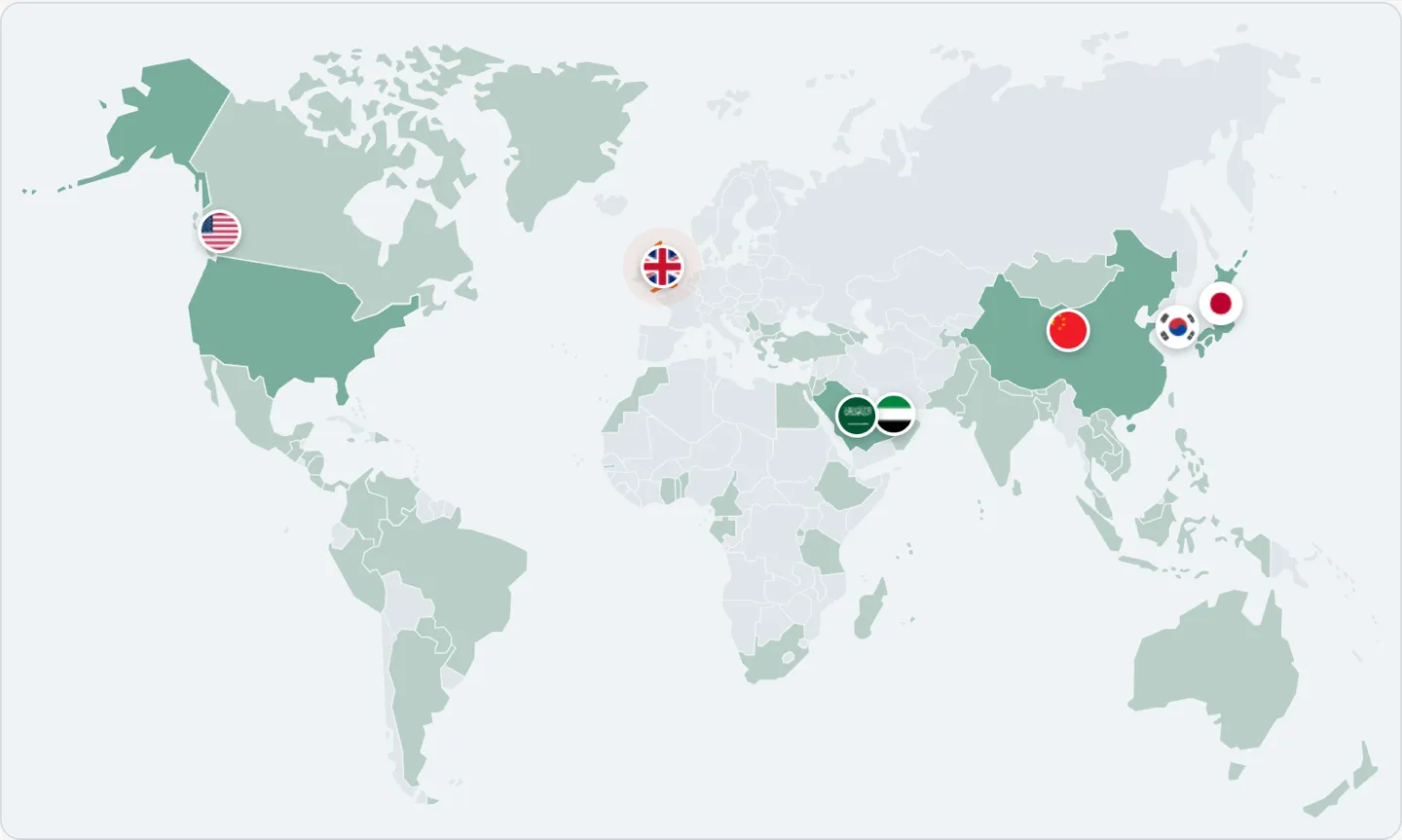
198 destinations, priced live. Lighter countries are covered by a regional pass rather than a plan of their own. 35 open a full side-by-side against Airalo, Saily and Holafly.
Each price is the cheapest 10 GB / 30-day plan that covers the destination, read live from our catalogue. Where that plan is a multi-country pass, the line says how many countries it covers. Other data sizes and trip lengths are on each destination page.
We focus on the small things that make an eSIM feel effortless: clear prices, a code in your inbox, and helpful people when you need them.
01Right-sized dataLight use is 2–3GB a week, moderate 4–7GB. Buy what you’ll use, not “unlimited”.
02Ready in minutesQR code by email, usually in minutes.
03190+ destinationsCountry plans and multi-country passes.
04Code-or-refund promiseRefund if no code in 1 hour — automatically, you don’t have to ask.
Simple on purpose
A plan on your phone, not in your luggage.
An eSIM is a SIM you download instead of insert. Scan a QR code and your phone gets a second line for data, while your own SIM stays in.
01
Works on most phones since 2018iPhone XS and newer, Google Pixel 3 and newer, Samsung Galaxy S20 and newer. Your phone must be carrier-unlocked. To be sure, look for “Add eSIM” in Settings.
02
Install at home, start when you landSet it up on Wi-Fi before you fly. Most plans only start counting days when the eSIM first connects at your destination.
03
Nothing to remove, nothing to returnYour regular SIM stays in for calls and texts. When the trip is over, the eSIM simply expires.
Digital SIM
What is an eSIM?
A digital SIM you download. No plastic card, no store visit, no waiting for shipping.
Why choose Easy Travel Data
Travel data, without the roaming bill.
Prepaid data for 190+ destinations, at one price, with your own number left exactly where it is.
Pay once before you fly
Pick a destination, how much data and how many days, and that is the whole price. No contracts, no hidden fees, nothing waiting on your next phone bill.
Scan and go
Your QR code lands in your inbox minutes after checkout, with step-by-step install instructions for iPhone and Android. Not ready within an hour? We refund you automatically.
No roaming surprises
Your home carrier never knows you left, so there is no roaming bill when you get back.
Keep your own number
The eSIM sits next to your regular SIM. Calls and texts still reach you, only the data goes through the new line.
One country or a whole region
190+ destinations. Single-country plans when you stay put, multi-country passes when you don’t.
Need a hand?
Stuck on something?
Compatibility, delivery, activation, refunds — tell us what happened. We reply by email, usually within 24 hours, 7 days a week.
Buy, install at home on Wi-Fi, switch it on when you land.
1
Choose your plan and check out
Search by destination, compare data and validity, and pay in USD with card, Apple Pay or Google Pay.
No account needed. We only confirm your email with a 6-digit code, because that is where your eSIM will arrive.
2
Get your eSIM by email, usually within minutes
Look for the email “Your eSIM is ready to install” (also shown on your order page). Scan the QR code with the phone that will use it, or type the SM-DP+ address and activation code from the same email if the QR is on that phone.
Install on Wi-Fi before you travel. The QR works once, so do not delete the eSIM afterwards. Not ready within 1 hour? We refund you automatically.
3
Land, switch on, connect
On arrival, set the eSIM as your data line and turn on data roaming for it. Keep your regular SIM active for calls and texts.
Most plans start counting validity at the first connection, so leave the eSIM off until you land.
Travel eSIM guides
Before you fly, read this.
Setup, coverage and cost, written up from our own plan data.
What an eSIM is, whether your phone takes one, and how much data to get.
3 answers
An eSIM is a SIM you download instead of insert. Scan a QR code and your phone gets a second line for data, while your own SIM stays in. No plastic card, no store visit, no waiting for shipping.
Most phones since 2018: iPhone XS and newer, Google Pixel 3 and newer, Samsung Galaxy S20 and newer, and many other Androids. Your phone must be carrier-unlocked. To be sure, look for an “Add eSIM” option in Settings before you buy.
Less than most people expect. Navigation runs about 5–15MB an hour and a text message about 1KB, so maps and messaging are never the problem. Short video is: Reels and TikTok use roughly 0.9–1.8GB an hour, so an hour a day for a week is 6–12GB on its own. As a rule of thumb a week of travel takes 2–3GB for light users, 4–7GB for moderate and 9–15GB for heavy, and a 10GB plan covers a light or moderate week comfortably. Three kinds of traveler go past it: people who watch video on the move, people who tether a laptop, and people staying somewhere without Wi-Fi — if that is you, start at 20GB.
02
Purchase & delivery
Paying, and what arrives afterwards.
5 answers
Your eSIM is delivered only by email, so a typo would mean no eSIM. We send a 6-digit code that is valid for 10 minutes. Apple Pay, Google Pay and Link users skip this step.
Your eSIM is sent to your checkout email within minutes of payment. It is also shown on the order confirmation page and on the Check order page. If it is not ready within 1 hour of payment, we refund the order in full automatically, no action needed.
Check your spam or junk folder first. Then open our contact page, choose "I have an order and need help" and verify your email: it shows the delivery status of your order and lets you resend the eSIM email instantly. If the order is still Processing 1 hour after payment, it is refunded automatically.
No. A failed or unfinished payment does not charge you. The order is cancelled automatically if payment is not completed within 60 minutes. You can simply place a new order, or use the Retry payment link if we send you one.
Delivery is instant, so an order cannot be cancelled once the activation details are sent. Refunds are reviewed case by case through the contact form, only for eSIMs that were never installed and requested within 14 days of purchase, and some carriers do not allow refunds at all. Approved refunds go back to the original payment method within a few business days.
03
Use your eSIM
Installing, switching it on, and what happens while you travel.
5 answers
Install at home on Wi-Fi before you travel. Most plans only start counting days when the eSIM first connects at your destination, so leave the eSIM line off until you land. Most plans must be activated within a set period after purchase (often 60 days), so buy within a month or two of your trip.
Yes. The eSIM sits next to your regular SIM, so calls and texts still reach you on your own number. Only the data goes through the new line.
Hotspot rules vary by plan. Check the individual product page rather than assuming every plan allows tethering.
Many plans can be topped up. A top-up is applied to the eSIM already on your phone, so there is nothing new to scan or install. If your plan does not offer top-ups, buy a new plan for the same destination. Either way it is a few dollars, not a ruined trip: on every destination we compare, two of our 10GB plans still cost less than a single 30-day “unlimited” plan from Airalo.
No. The QR code works once, on one device. Deleting the eSIM from your phone removes it permanently, so do not remove it until the plan has ended.
Still stuck?
Tell us what happened — we reply by email, usually within 24 hours, 7 days a week.