
Most connectivity mistakes on a trip cost you a few euros. The cruise version of the same mistake is the one that produces a four-figure bill, and it happens to people who never opened an app.
The reason is structural. A cruise is the one holiday where your phone can spend a week attached to a network that no consumer price rule protects, billed by the megabyte, while you assume the Wi-Fi package you bought at embarkation is handling everything. This guide separates the three things that are actually on offer, shows where each one stops working, and explains the one gap that a travel eSIM fills.

Where do cruise roaming charges actually come from?
Your phone does not need you to be using it. The modem keeps looking for any network it is allowed to register on, and once a ship leaves coastal range the only thing in reach is the vessel’s own onboard cell service, backhauled by satellite.
That network is not your home carrier and not a foreign carrier with a normal roaming agreement. It appears on the handset under a generic operator name, and it bills as a specialist maritime service. Reported rates run from roughly $2 per megabyte on some carrier pay-per-use tariffs up to $15 to $25 per megabyte on the ship’s own network, with voice commonly quoted at $3 to $7 a minute.
Those are megabytes, not gigabytes. A phone that quietly syncs a few hundred photos overnight is not spending a rounding error of an allowance, it is billing at a rate roughly a thousand times the per-megabyte cost of a land plan. Nobody watches a video. The damage is done by backups, app updates, email sync and location services, all of which run whether or not the screen is on.
Shipboard Wi-Fi packages: what those advertised prices exclude
Cruise lines sell daily internet packages, and the prices moved up sharply through late 2025 and into 2026. Recent published rates put Carnival’s plans at roughly $20 to $26 per person per day, Royal Caribbean’s single package at about $20 a day when pre-purchased and closer to $39 bought aboard, and Norwegian’s passes at roughly $30 to $40 per device per day onboard.
Two things in those numbers catch people out.
The first is the unit. Most of these are priced per person or per device, per day. A family of four on a seven-night sailing is not buying one package, and the arithmetic gets uncomfortable quickly. Pre-purchasing before you sail is typically around 15 percent cheaper than buying at the desk.
The second is what the package does not do. A ship Wi-Fi plan sells you access to the ship’s Wi-Fi. It does not touch your cellular line. If mobile data and data roaming are still switched on, your phone can be connected to the paid Wi-Fi and registered on the billable ship cellular network at the same time, and only one of those two is capped by what you paid.
At sea, your phone may still register on a satellite or ship network
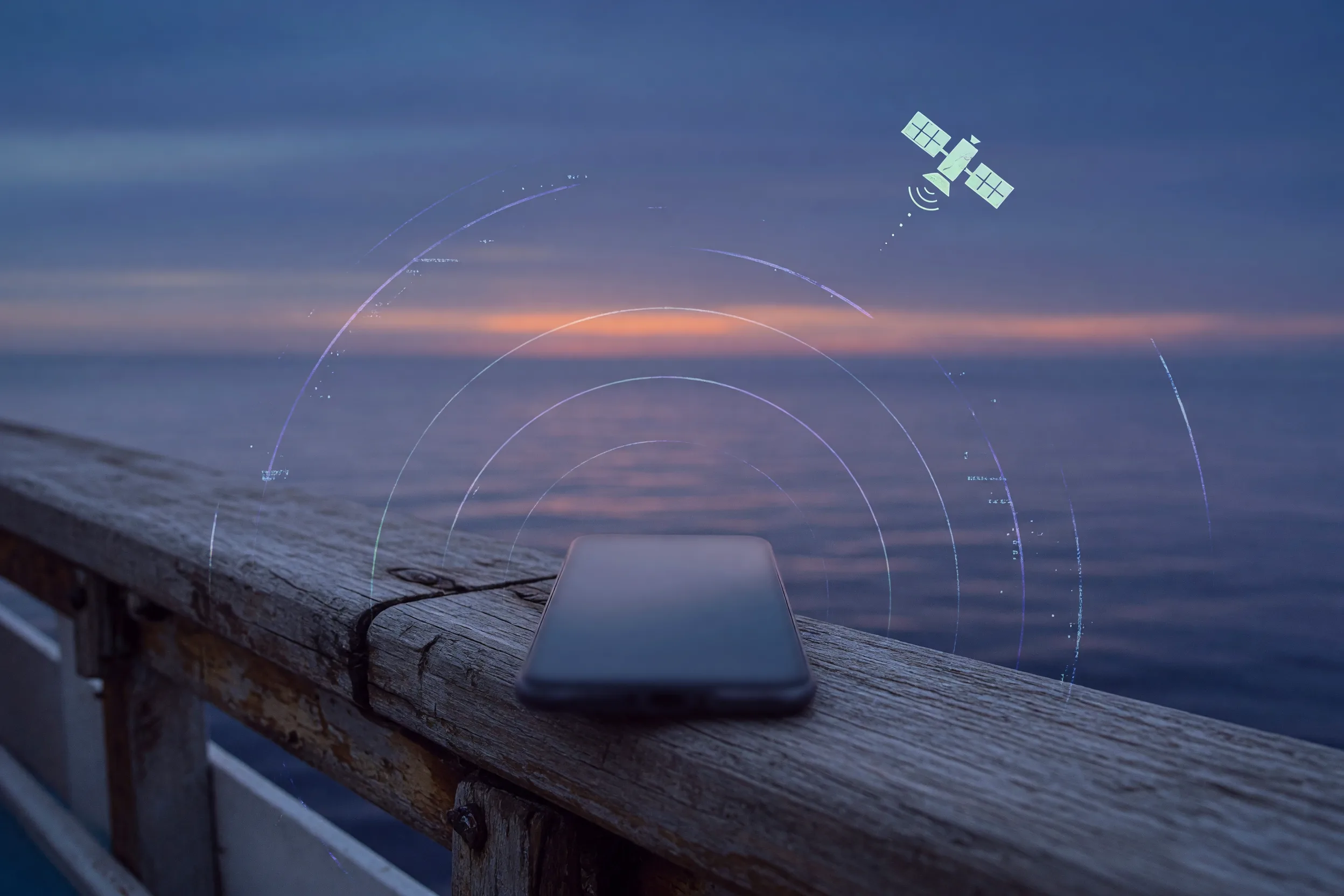
No signal bars for your home carrier does not mean no charges.
The onboard network usually comes into range shortly after the ship clears the coast and stays there for the whole voyage. Your handset will attach to it automatically if data roaming is enabled, and it will attach again every time the ship moves out of range of land during a port-hopping itinerary. Turning off Wi-Fi does nothing. Closing apps does nothing. The only reliable physical action is airplane mode, switched on before you sail and left on except when you deliberately want the line live.
If you want Wi-Fi calling and messaging over the ship’s paid connection, the correct configuration is airplane mode on, then Wi-Fi switched back on by hand. That leaves the cellular modem off while the Wi-Fi radio works normally.
Why the EU roaming cap does not apply to ships and aircraft
If you travel in Europe you have probably stopped thinking about roaming, because “roam like at home” made it a solved problem. That protection has an explicit boundary, and cruise passengers sail straight through it.
Regulation (EU) 2022/612, the current roaming regulation, deals with non-terrestrial networks in Recitals 46 and 59 and in Article 46. Services delivered on board vessels and aircraft over satellite links are treated as non-regulated roaming. The retail price caps and the roam-like-at-home obligation do not extend to them, and the regulation says plainly that charges incurred when customers connect to these networks are significantly higher than the tariffs for regulated roaming.
What the regulation does require is warning rather than protection. Operators have to tell you, clearly and in advance, that these charges exist, and they must send a free text message every single time your phone establishes a connection to such a network, stating the additional charges that apply. They are also expected to offer safeguards such as spending limits or an opt-out, and to tell customers they can opt out instantly on the handset through settings or airplane mode.
There are two practical takeaways. First, if you are on an EU line, that free SMS is your early-warning system: getting one means your phone has just latched onto the ship network and is billing at maritime rates. Second, a warning message is not a cap. Nothing stops the meter except you.
The carrier cruise pass stops working when you step ashore
This gap catches the travellers who prepared, the ones who did buy a plan.
The major US carriers sell cruise day passes at around $20 per line per day. Verizon’s own support documentation is explicit about the boundary: the Cruise Daily Pass applies when the ship is 12 miles or more from land, and it does not cover you once you disembark. For the day ashore you need the ordinary international roaming product instead.
The inverse is also true. A standard international day pass or “travel pass” covers foreign land networks and generally does not include the shipboard maritime network. So the traveller who bought the international plan is exposed at sea, and the traveller who bought the cruise pass is exposed in port, and both of them believe they are covered.
A cruise itinerary is mostly port days. That is the gap a prepaid data eSIM is actually good at.
Prepaid data eSIM on a cruise: realistic uses and hard limits
A travel eSIM does not work at sea. It attaches to land networks, so between ports it has nothing to connect to. It is not a substitute for the ship’s Wi-Fi package and any product marketed as a cruise eSIM is still, at sea, either nothing or a satellite service at satellite prices.
What it does cover is every hour you spend ashore: maps in an unfamiliar port, getting a taxi back to the pier, splitting a bill, checking the all-aboard time, messaging the people you got separated from. It costs a few dollars for the whole itinerary rather than $20 a day per line.
One catch is specific to cruising, and it is a naming trap rather than a coverage failure. Check the port list, not the product name. On our own catalogue the plan called Caribbean 1 GB covers 26 destinations for $9.49, but the Bahamas, Mexico, Puerto Rico and the US Virgin Islands are not among them, which removes Nassau, Cozumel, San Juan and St Thomas from a plan named after the region they are in. The Americas 1 GB plan is $7.49, covers 37 destinations including all four of those, and routes out through the United States. Cheaper, and it fits an actual Western Caribbean run.
Mediterranean and Northern European sailings are far simpler. Greece, Italy, Spain, Croatia, Turkey, Malta, Norway and Iceland each appear on 65 or more of the regional plans, so almost any Europe-wide pack covers a typical Med itinerary. Thin spots do exist: Aruba appears on only nine plans and Belize on three, so those two deserve a direct check before you pay.
| Option | Works at sea | Works in port | Order of cost | Best for |
|---|---|---|---|---|
| Ship Wi-Fi day package | Yes | Yes | About $20 to $40 per person or device, per day | Onboard browsing, video calls, keeping a family online at sea |
| Carrier cruise day pass | Yes, beyond 12 miles from land | No | About $20 per line, per day | Staying reachable on your own number at sea |
| Travel eSIM | No | Yes | From $3.99 for a whole itinerary | Maps, taxis, payments and messaging ashore |
| Standard international roaming | Usually not | Yes | Varies; per-MB without a plan | Only with a confirmed cap or day pass |
Cost figures above are orders of magnitude drawn from published rates, not quotes. Confirm the current price with the cruise line, your carrier, and the product page before you rely on any of them.
When should you skip the eSIM entirely on a cruise?
Sometimes the honest answer is that you do not need one.
Skip it if your itinerary is mostly sea days, if you are staying aboard at the ports you do call at, or if what you need is stable bandwidth for streaming and video calls from the cabin. None of that is what a travel eSIM does. Buy the ship package and configure your phone properly.
Skip it too on a short repositioning leg with one or two stops where you would rather stay offline, and on itineraries where a single country accounts for nearly all the shore time. In that last case a plain single-country plan is usually cheaper and simpler than a regional pack.
The case for buying one is straightforward: several port days, in more than one country, where you want maps and messaging the moment you step off the gangway.
Seven rules that cap your charge even if you forget airplane mode
- Turn on airplane mode before you sail, not when you remember. If you want the ship’s Wi-Fi, switch Wi-Fi back on by hand afterwards.
- Turn data roaming off on your home line as a second layer, so an accidental exit from airplane mode does not immediately start billing.
- Turn off automatic app updates, photo and cloud backup, and background app refresh before you board. These are what actually consume the data.
- Set a spending limit or block premium and maritime roaming with your carrier before departure, where they offer it. The EU regulation expects operators to make an opt-out available.
- Treat the free warning SMS as an alarm. On an EU line, receiving one means you are already on the ship network.
- Install the travel eSIM at home and leave it dormant. Enable it as the data line only once you are ashore and can see a local network.
- Download offline maps and a translation pack for each port before you leave home. Most of what you want ashore does not need a live connection at all.
FAQ
Before you buy, confirm
- Every scheduled port appears by name in the plan’s coverage list, not just the region;
- The plan’s activation rule, so installing at home does not start the clock early;
- Whether the plan allows hotspot, if you will share data ashore;
- Your carrier’s position on maritime roaming, and any spending limit or opt-out they offer;
- That airplane mode is on before you sail, with data roaming off underneath it.
Soft next step
If your itinerary has more than a couple of port days, price a regional plan that names all of them against the ship’s per-day rate for the same period. Browse current options in the travel eSIM catalog or the Mexico destination page if Cozumel is on your route. Plan details change, so treat the live listing on each product page as the source of truth before you buy.
For a full breakdown, see our calculator for how much data you need for your trip, which sizes it by habit and trip length; Roaming Bill Shock 2026 covers the land version of the same problem. For the wider cost comparison see eSIM vs Physical SIM vs International Roaming, and to set the profile up before you leave, How to Install a Travel eSIM Before Your Flight.
Does the EU roaming cap protect me on a cruise?
No. Regulation (EU) 2022/612 treats services delivered on board ships and aircraft as non-regulated roaming, so the retail price caps and the roam-like-at-home rules do not apply. What the regulation does require is transparency: your operator must warn you about the charges and send a free text message each time your phone connects to one of these networks. A warning is not a cap, so airplane mode is still your protection.
Is it cheaper to buy ship Wi-Fi or a travel eSIM?
They are not alternatives, because they work in different places. Ship Wi-Fi is the only option while you are at sea, at roughly $20 to $40 per person or device per day. A travel eSIM works only ashore, and covers an entire itinerary for a few dollars. On a port-heavy cruise the realistic answer is a modest ship package for the sea days plus an eSIM for the shore days.
Will my phone connect to the ship network automatically?
Yes, if data roaming is on. The ship’s Wi-Fi needs a manual login, which is why people assume nothing else is happening, but the cellular modem attaches to the onboard maritime network on its own as soon as land networks drop away. Turning off Wi-Fi does not prevent this. Airplane mode does.
Can I use an eSIM hotspot from my cabin?
Not at sea. A travel eSIM connects to land networks, so once the ship is out of coastal range there is nothing for it to attach to, and the hotspot has no connection to share. In port it works normally, subject to the hotspot rules on the plan you bought.
Which eSIM plan should I buy for a Caribbean cruise?
Check the port list rather than the plan name. Several plans with “Caribbean” in the title leave out the Bahamas, Mexico, Puerto Rico and the US Virgin Islands, which covers most of a typical Western Caribbean itinerary. Write down every scheduled port, then confirm each one by name in the coverage list on the product page before you pay.